 Touch Freeze
Screen pause for Android
Pause the touch, not the video.
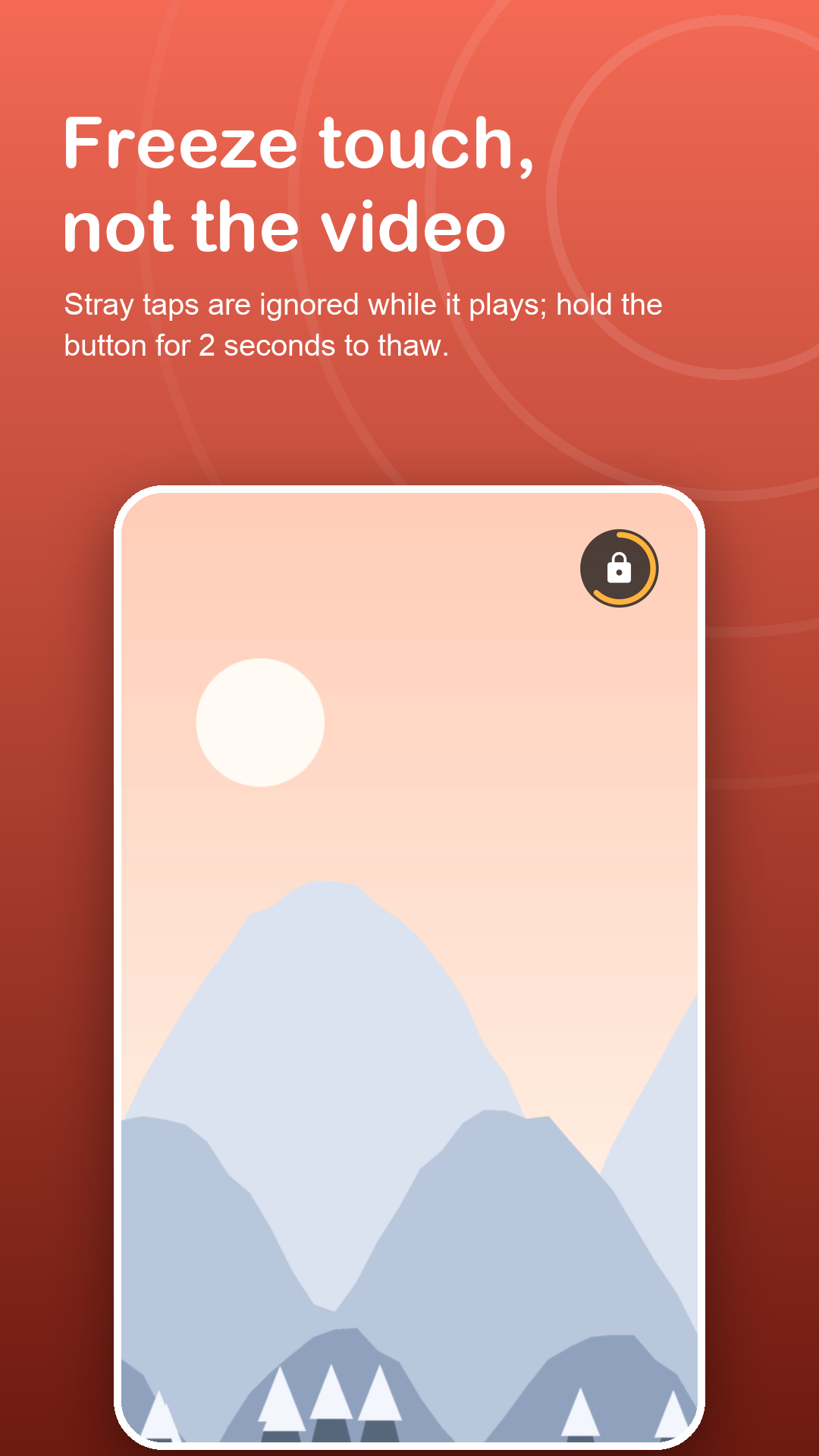
Touch Freeze lays a clear sheet over whatever is playing. Sleeves, blankets, wet fingers and curious friends stop skipping your video, and a 2-second hold brings the screen back.
Free with ads · Android 7.0+ · no accessibility service
Screenshots
Made for watching, not tapping.
How it works
Freeze in three moves.
Allow display over other apps
Touch Freeze needs it to lay its transparent sheet over the screen. The setup check helps on phones that close background apps.
Tap Lock and press play
A start delay of up to 15 seconds gives you time to open the video, recipe or workout before the freeze begins.
Hold 2 seconds to thaw
Press and hold the small lock button. Brief touches never unfreeze it, and restarting the phone always does.
Features
For screens you watch with busy hands.
Kitchen-proof
Keep a recipe video running while floury or wet fingers brush the glass.
Workout-ready
Prop the phone on the floor and follow along without a towel pausing the session.
Bed and sofa
The display stays awake and the episode keeps going, whatever the pillow touches.
Freeze part of the screen
Draw zones over the parts that should ignore touch, such as a suggestions list, and keep the player controls live.
Out of the way
The lock button fades after a few seconds and sits in the corner you choose, clear of subtitles.
Tile and notification
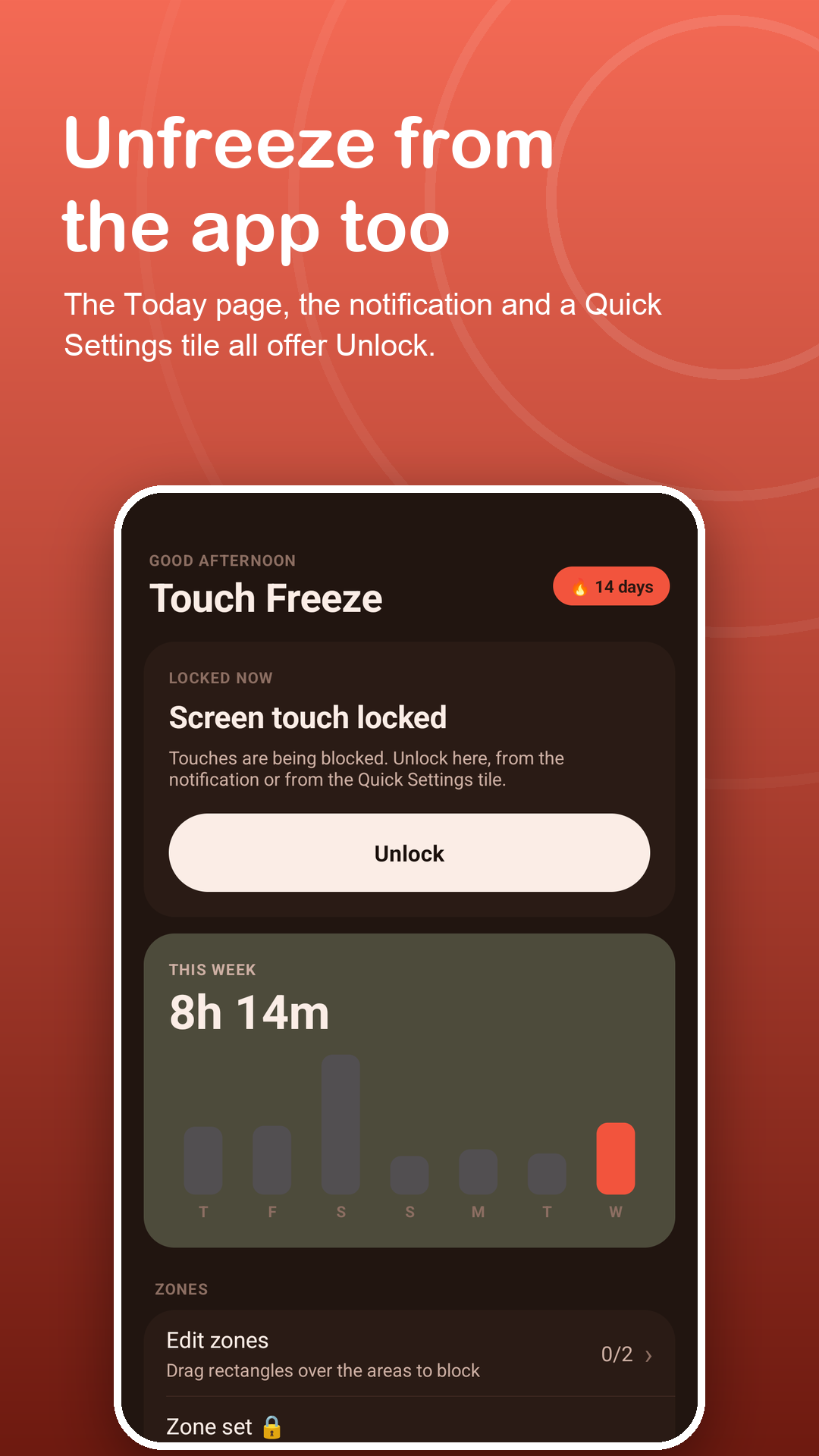
Freeze and unfreeze from Quick Settings, with an Unlock button in the notification while frozen.
Privacy
A clear sheet, nothing more.
Touch Freeze only draws a layer that ignores touches. It does not read the screen or your typing, and it uses no accessibility service. Zones, settings, history and your PIN stay on your phone; the PIN is stored only as a salted hash. Read the privacy policy.
FAQ
Fair questions.
Does the video keep playing during a freeze?
Yes. Only touch is frozen. The app underneath keeps playing and the screen stays on.
How do I unfreeze?
Hold the small lock button for 2 seconds, or tap Unlock in the notification. With Premium the freeze can also end on its own after 5 to 120 minutes.
Can I keep some buttons working?
Yes. Switch to zones and draw rectangles only over the parts that should ignore touch. The free version allows 2 zones, Premium up to 12.
Why can I still pull down the status bar?
Android keeps the status bar, navigation gestures and hardware buttons above every app layer. For a fuller lock, follow the in-app guide to Android screen pinning.
Does it use the Accessibility API?
No. It needs Display over other apps, plus the notification permission on Android 13 and newer for the Unlock button.
What stays free?
Nothing is taken away: the full screen freeze and 2 zones stay free with ads. Premium adds 12 zones, zone sets, the auto-unlock timer, a PIN and removes ads.